Sprite Editor
Coded in Single Scoop Web Code Editor 🤓
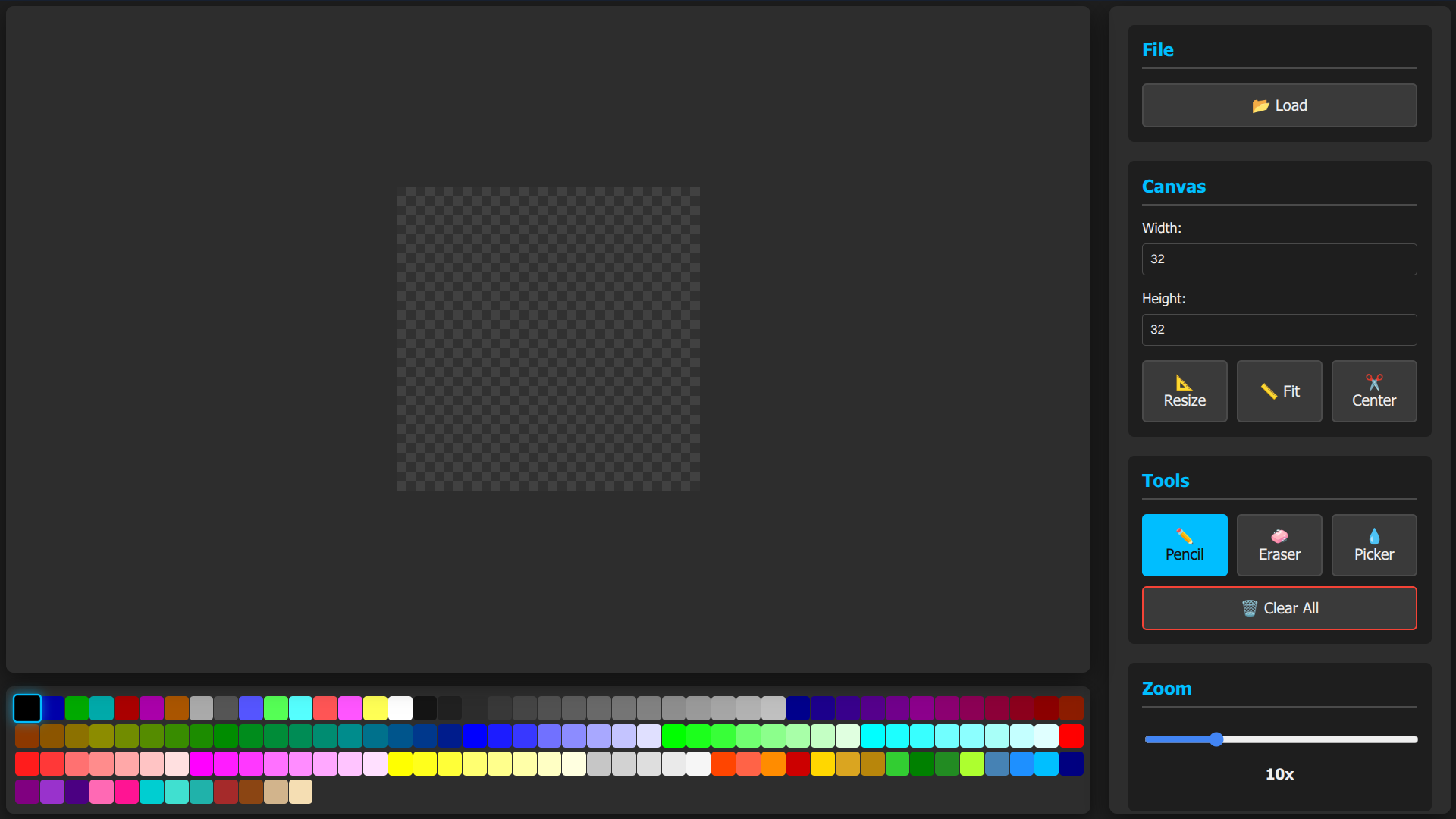
This Sprite Editor is a specialized browser-based workstation designed for the creation and modification of pixel art and game assets. Unlike general-purpose image editors that focus on photo manipulation, this tool is engineered specifically for working with individual pixels, offering a distraction-free environment where precision is paramount. The interface is built around a high-contrast, dark-themed workspace that features a checkerboard background to clearly denote transparency, essential for designing sprites that will be layered into games or applications. A toggleable grid overlay sits atop the canvas, providing a visual guide that helps artists maintain alignment and geometric accuracy while placing pixels.
At the core of the editing experience is a suite of direct manipulation tools. Users can draw with a pencil tool that applies solid colors to specific grid coordinates, remove errors with a dedicated eraser, and sample colors directly from the canvas using an eyedropper. The application comes pre-loaded with a classic VGA-style color palette, allowing for immediate access to a wide range of standardized hues without the need for manual color mixing. To facilitate detailed work on small icons or character sprites, the editor includes a powerful zoom engine capable of magnifying the canvas up to forty times its original size, ensuring that even the most minute details can be adjusted with ease.
Beyond basic drawing, the tool includes sophisticated canvas management features designed to streamline the sprite creation workflow. Users can import existing images from their local device, which can then be automatically centered or fitted to the current workspace dimensions. The canvas size itself is fully adjustable, allowing for the creation of anything from tiny 16x16 favicons to larger scene backgrounds. To assist with final output, the export system addresses the common issue of pixel art being too small for modern high-resolution screens. It features a built-in scaling engine that uses nearest-neighbor interpolation to upscale images during export, increasing their size up to ten times without blurring or losing crisp edges. Additionally, an auto-crop function can automatically trim transparent borders during the saving process, producing clean, optimized files ready for immediate use in development projects.